
 Kaplan Early Learning Company Home
Kaplan Early Learning Company Home
Kaplan Early Learning Company Home

Bring Hands-On Tech
to Every Corner of Your Classroom
Classroom technology shouldn’t determine where learning happens. Muv Pro brings technology off the wall and into the flow of the day with a fully mobile design, perfect for early childhood spaces.
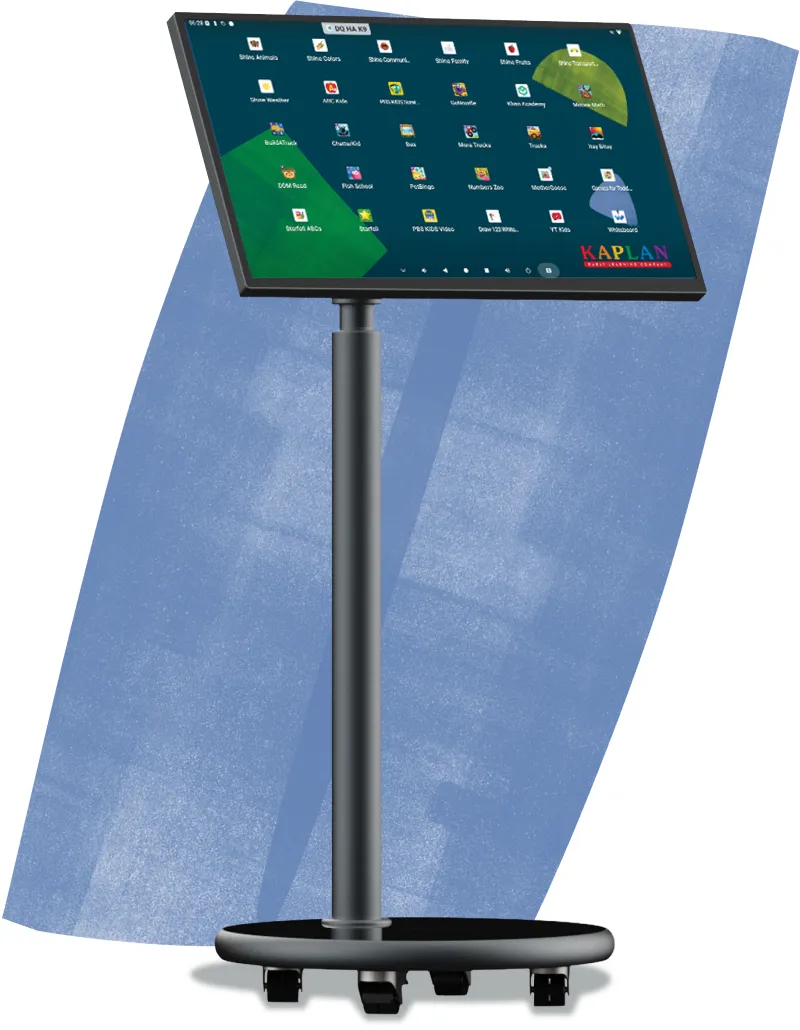
With 22 ready-to-use learning apps and child-safe access, the battery-powered Muv Pro helps educators bring digital art, problem-solving, and collaborative learning into the classroom without adding more complexity to their day.
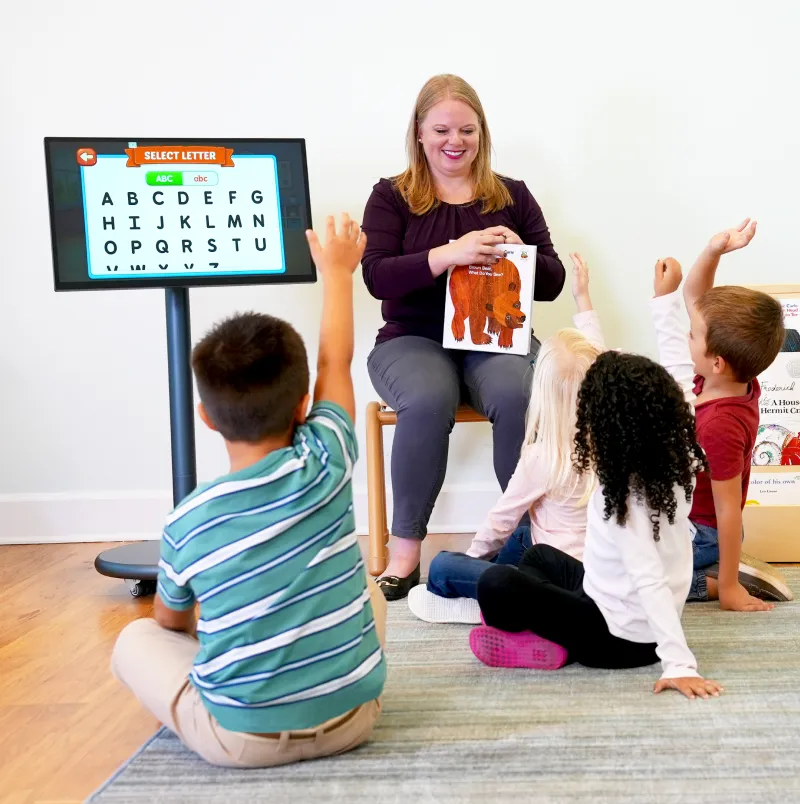
Roll lessons effortlessly to any part of the classroom, media center, or entryway without heavy lifting, tangled cords, or complicated setup.
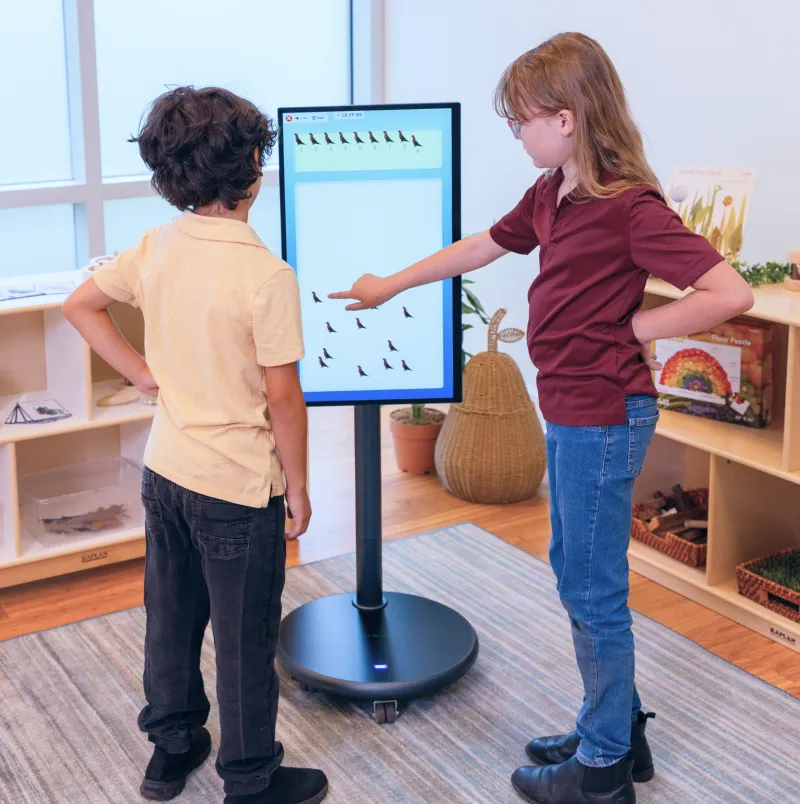
Effortlessly switch between portrait and landscape modes so children can work on individual lessons or collaborate in small groups.
Includes learning tools like Shine Circle Time and an interactive attendance tool to make technology implementation fast and stress-free.
Protects your device and keeps children focused on age-appropriate, curated media and activities without open web access.


Rather than the linear play typical to early childhood software, Shine2 is designed to support the natural curiosity and creativity of children. Children can engage in circle time and collaborative play activities that teach literacy, math, social studies, science, and other educational concepts. Each activity is designed with Head Start Objectives and Kindergarten Common Core standards in mind.
Turn a daily check-in routine into an engaging, interactive experience with Kaplan’s “Here I Am” Attendance tool. Customizable by seasonal themes or child-based interests, this software allows children to play an active role in daily routines.


How is the Muv Pro different from traditional interactive displays?
Unlike a wall-mounted interactive display, Muv Pro can easily move around your classroom without the need for long extension cords, heavy lifting, or complicated setup. It’s perfect for morning circle time activities, small group lessons, individual learning, and even open house events.
Can children use the Muv Pro independently?
Yes! Muv Pro features separate teacher and child profiles, allowing educators to provide children with access to age-appropriate apps and activities while in use.
What educational content comes with the Muv Pro?
The Muv Pro comes preloaded with 22 child-friendly apps, Kaplan’s Shine Circle Time, and NEW Attendance Tracker. The device also includes Kaplan-exclusive software and apps, as well as Preschool Educational apps.
Can the screen rotate?
Yes. The 27-inch touchscreen rotates between portrait and landscape orientations, giving educators flexibility for different activities, digital artwork, storytelling, and collaborative projects.
Can Muv Pro support differentiated instruction?
It’s mobility, adjustable height, rotating screen, multi-touch capabilities, and range of educational content give educators the flexibility to adapt digital experiences for different ages, group sizes, learning activities, and child needs.
What makes Muv Pro useful beyond screen-based activities?
You can use the Muv Pro as a tool for creating, collaborating, communicating, and exploring. Educators can use the display to introduce new topics, extend hands-on learning, showcase child work with families, and so much more.
Can Muv Pro mirror content from another device?
Yes. This device supports wireless screen mirroring, allowing educators to share content and resources from compatible devices.